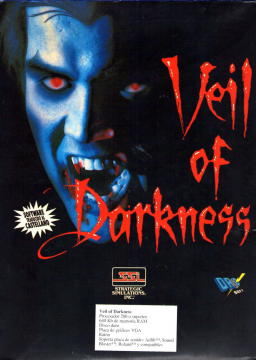
Enabling sound effects on GOG


For some reason, the current GOG release of the game has the MIDI music enabled but the sound effects do not work. The sound effects don't affect game time as they still play out the same length regardless (e.g. striking the Silver Bell in the cemetery). This is just an issue with the way the game was initially setup in DOSBox- instead of using SoundBlaster, the game is trying to output to Adlib. To fix it:
- Browse to the folder the game is installed to
- Right click on the file "vod-eng-game.conf" and open with Notepad.
- Before "@VEIL.COM", add a new line with just "SETUP" and save it, as per screenshot

- Launch the game with the normal shortcut. This will bring the setup window.

- Use the arrow keys to select "NO" then press Enter to change the game configuration
- Press Enter until you get the screen with Sound Device option. Change it to "CMS SOUND BLASTER".

- Don't change any other options, just keep pressing Enter until back at the starting menu. It should now look like the screenshot below.

- Press Yes to save and the game should now launch.
- Start a new game and you should start hearing game sounds (press F9 to turn off the game music to hear it better). For example, you should hear the main character zip up his jacket when he puts it on and hear the door being opened when he exits the room.
- Quit the game and reopen the vod-eng-game.conf file in Notepad. Remove the "SETUP" line and save it.
elodefi likes this


