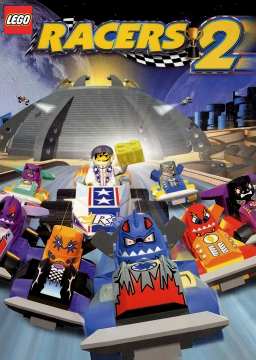


Hey everyone! I've been thinking about speedrunning this game recently and while playing through it to get a feel of all the races. I wanted to showcase it on a Discord call to a friend, but it wouldn't let me choose it. So I had a thought, "let me window it!" And then the nightmares began.
I've tried AltSnap, DXWnd and QRes. All not quite doing what I want; the game registered as windowed in some, but didn't show as windowed.
So the easiest way is: Right click your shortcut to LEGO Racers 2 and at the end of the path add /windowed, not -windowed. Seems to only work with slashes.
You can also resize the window by adding on /height [res] and /width [res]. Replacing [res] with your resolution of choice.


DXWnd works for me! Maybe you have some different settings on? Feel free to contact me on Discord if you wanna see what settings I'm using.
Oh, yeah I likely have different settings, there's quite a lot of them so I sorta got overwhelmed trying to figure it out lol. But sure! I'll send over a message.