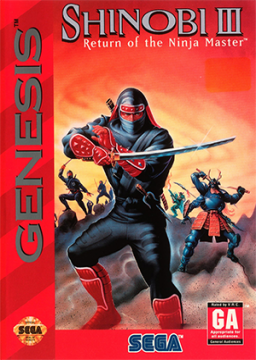
How to enable 6-button mode



6-button mode allows one to utilize Joe's actions using single buttons. This also allows one to speedrun the kunai-less categories that are listed.
It is not recommended to use this mode for any of the categories that are not kunai-less due to wall clips not being able to be performed in an efficient manner.
To start, you're going to need two 6-button Sega Genesis (or other applicable) controllers for this.
- Plug both of the controllers into the system of your choice and head to the main menu.
- Highlight "OPTIONS", but do not select this.
- With the first controller, hold the "Mode" button on the top right of the controller.
- With the second controller (while still holding "Mode"), hold UP on the D-pad and the C button.
- While you have "Mode", UP, and C pressed, press the start button on the first controller. If you've done it right, you will be in the options menu with it showing "OPTION" at the top of the screen.
You can then select your difficulty and kunai count.
The key thing is to see if "OPTION" is shown at the top of the options menu. That's how you know if you've done it correctly.
- A = Block
- B = Melee
- C = Jump
- X = Ninjitsu
- Y/Z = Throw kunai
- "Mode" = Change ninjitsu
Bearbeitet von der Autor
DoctaMario und ShivaPSOBB gefällt das.
Kürzliche Durchläufe


Moderatoren


