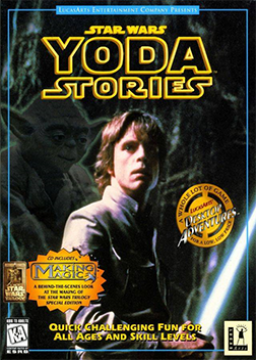
Installing Dreamm Emulator
Aktualisiert von shocker31
To use Dreamm you first need the game file:
Go to the Google Drive link: https://drive.google.com/drive/folders/1IIFRqfQZR3BXB4-O423HnKgFwZGzdGzM?usp=sharing Right click the "Yoda" file and then click “Download”. Extract the file.
Once you have the game file we will now install Dreamm:
Go to this link: https://aarongiles.com/dreamm/ To play Yoda Stories we need to use the beta version. Scroll down to "Beta Releases", then select "Beta Page". Then install the version you want.
Once both the game is downloaded and Dreamm is installed open up the location of Yoda Stories. Drag the game folder onto the Dreamm home page. Follow the prompts to install the game on Dreamm. And enjoy the game!
Kürzliche Durchläufe





Moderatoren