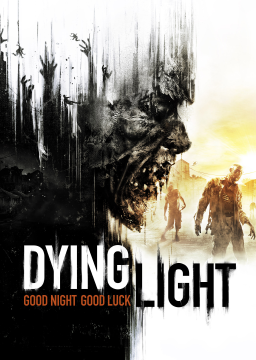
Since French is the fastest language to run the game with (faster dialogues = faster checkpoints) here's a step-by-step guide as to how to put your game to French while keeping everything else your local language.
NOTE: THIS GUIDE IS FOR STEAM USERS.
-
First you need to put your game in the language that you want for the audio. Right click on the Dying Light on the library > Properties > Language (in this case we choose French)
-
Go to Dying Light folder on pc and open 'DW' folder (Program Files (x86) > Steam > steamapps > common > Dying Light > DW)
-
On 'DW' folder, open 'SpeechFr' and make a backup of Data folder. (This Data contains all the audio files in French)
-
Change the language of your game again on steam, changing to your subtitles language. (in my case, English) PS: make sure that you have downloaded the language pack, open the game and test.
-
Go to 'DW' folder again. Look that you have another 'Speech' folder, for me it's SpeechEn (but it can be SpeechEs, SpeechRu, etc). Paste the Data folder previously copied from the SpeechFr and replace all the files.
This will replace the audio but it keeps the subtitles in the language that you choose.
This was taken from the Steam guide here: https://steamcommunity.com/app/239140/discussions/0/606068060819884079/